content-image

Videos

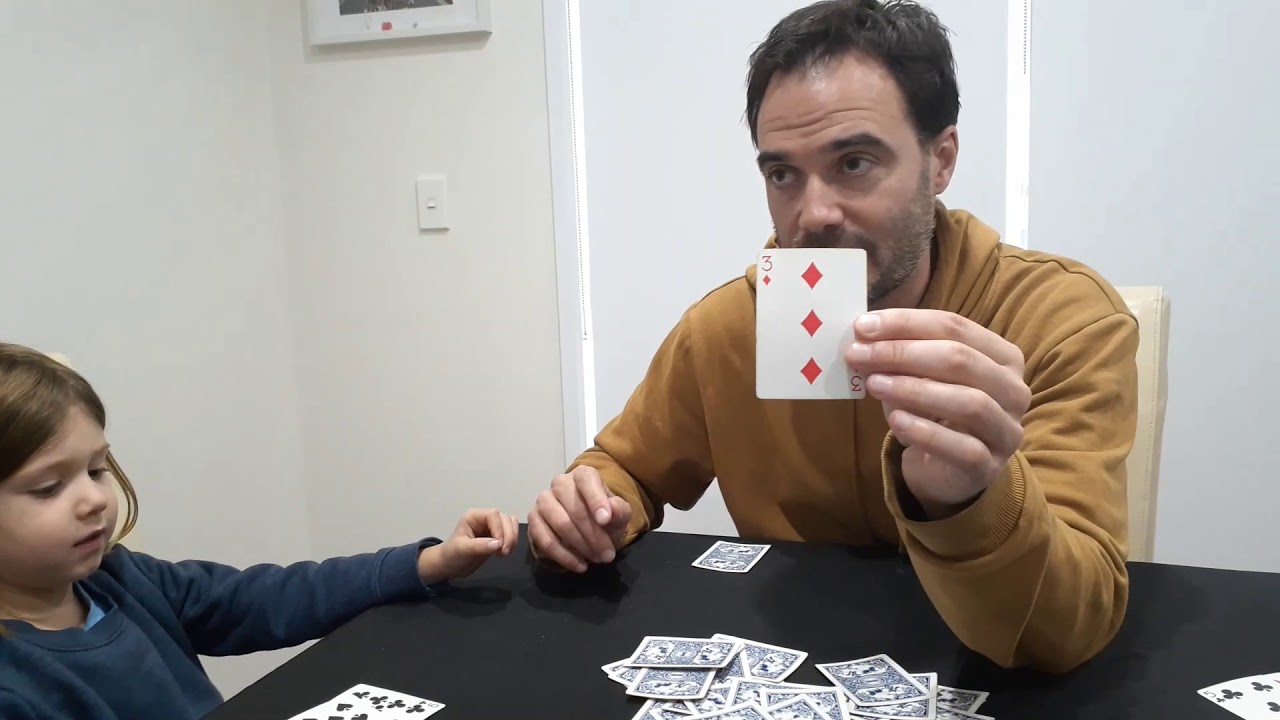
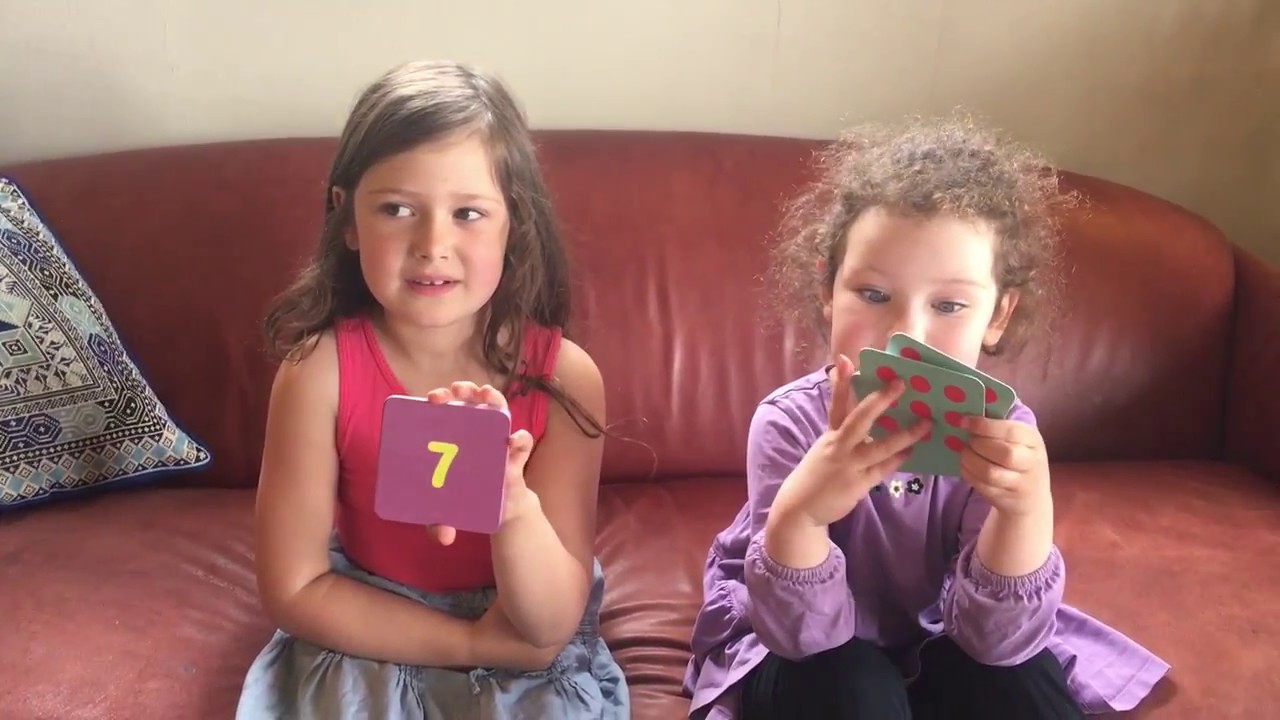
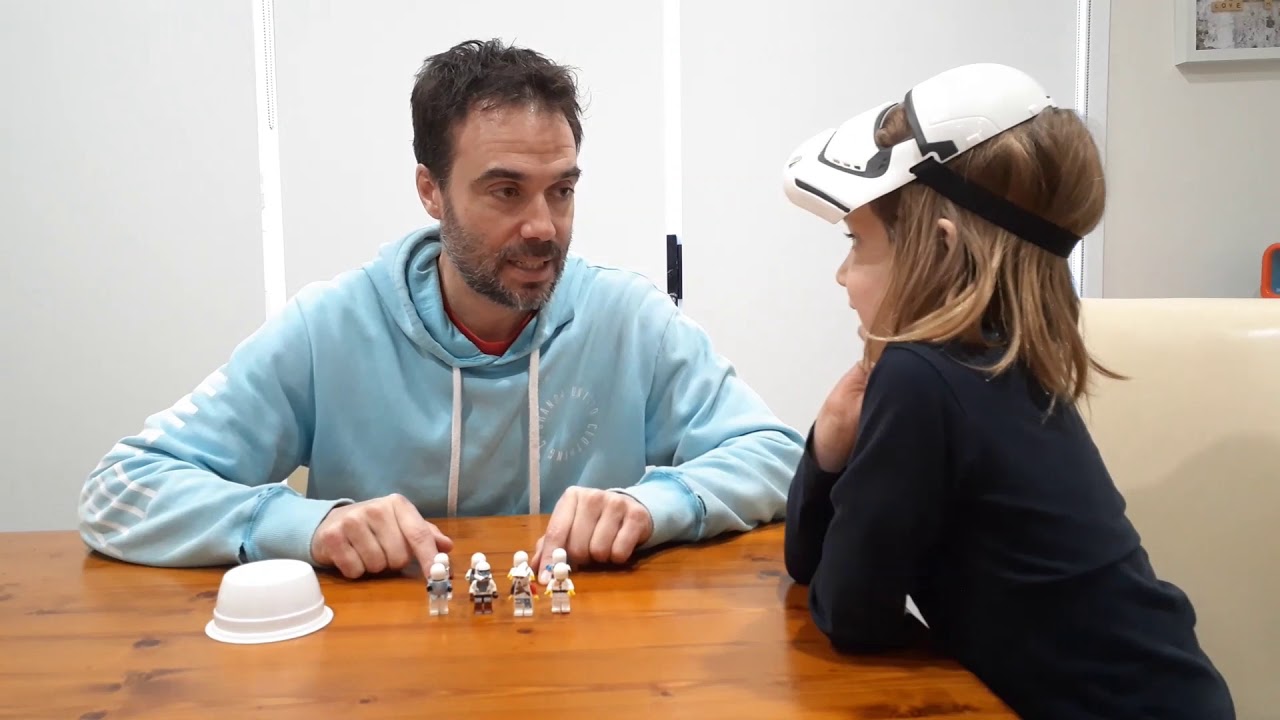
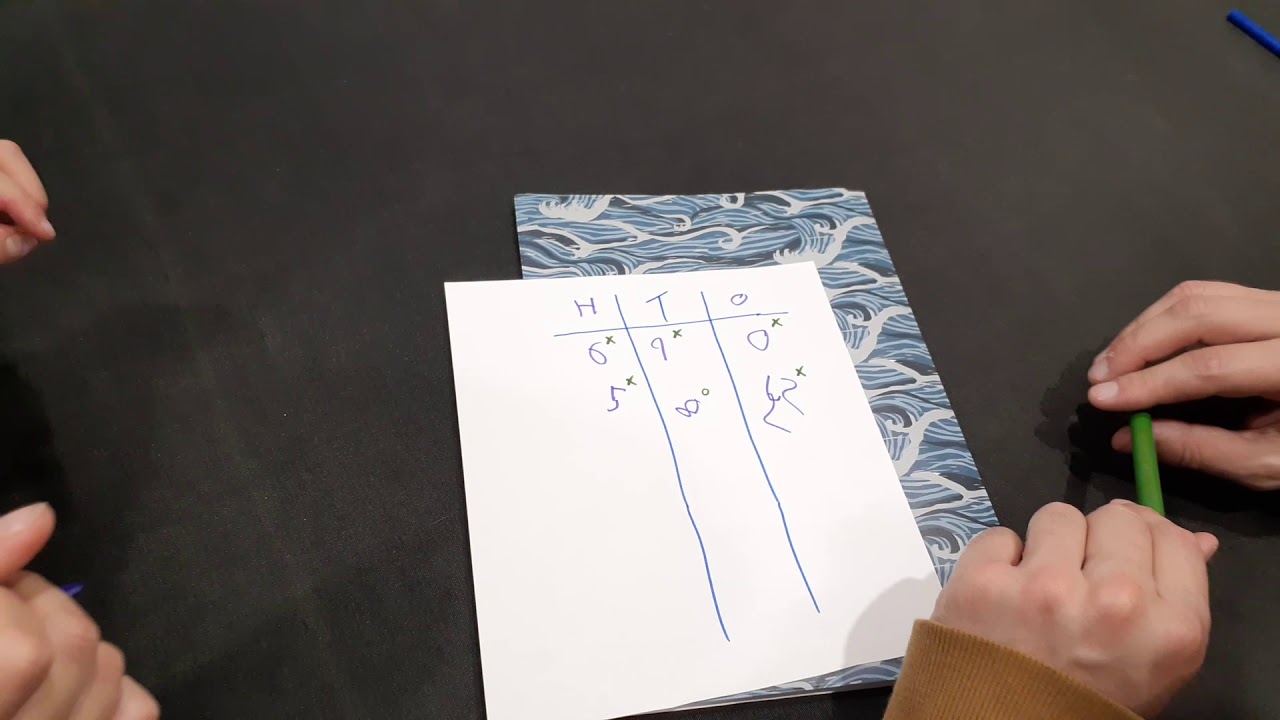
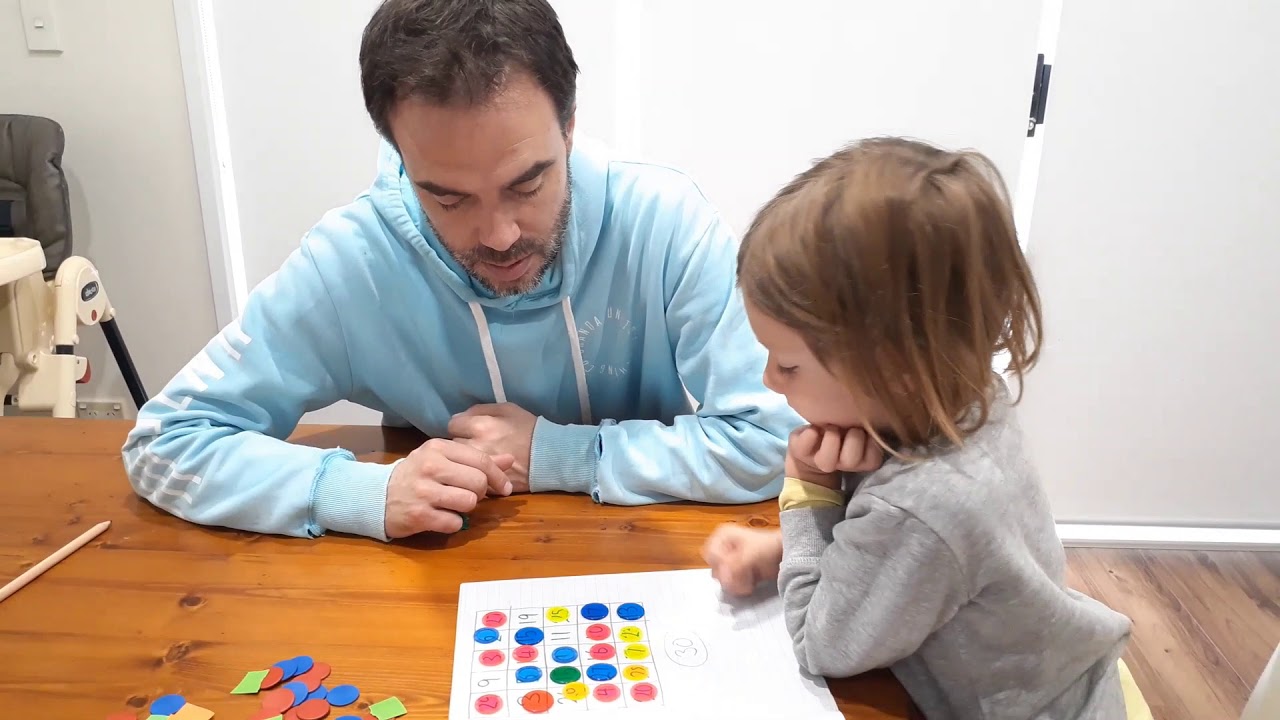
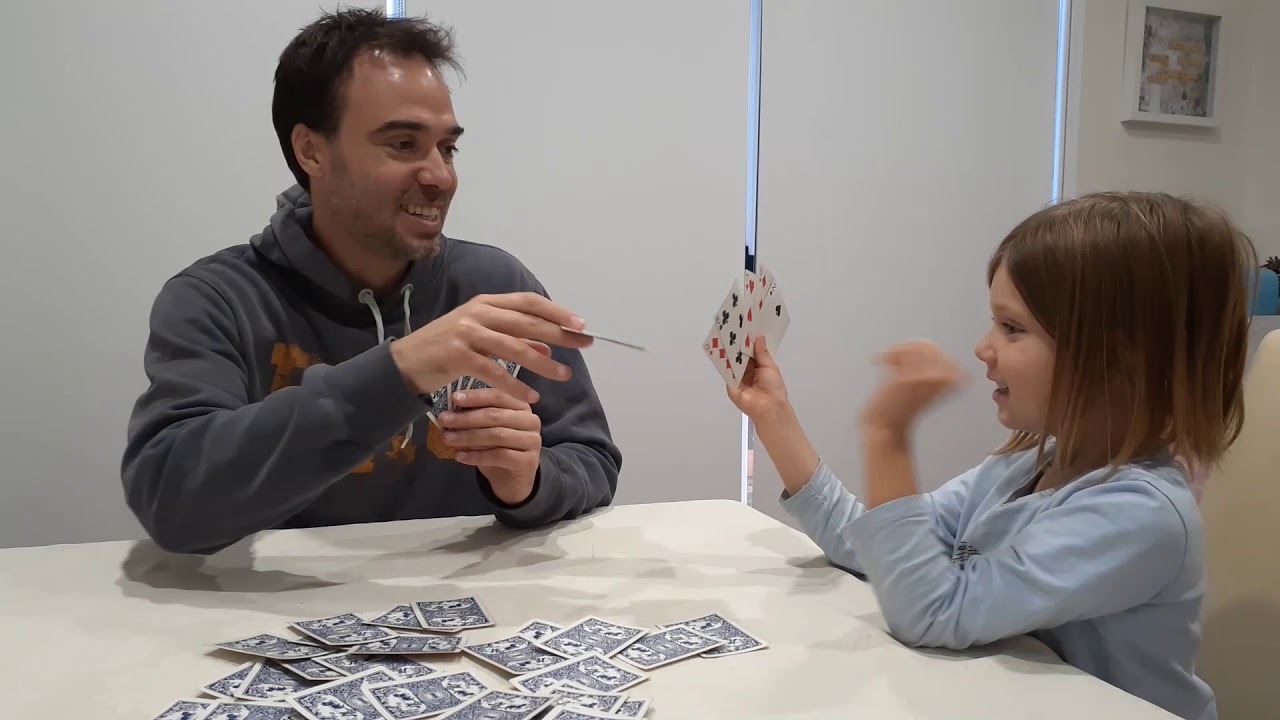
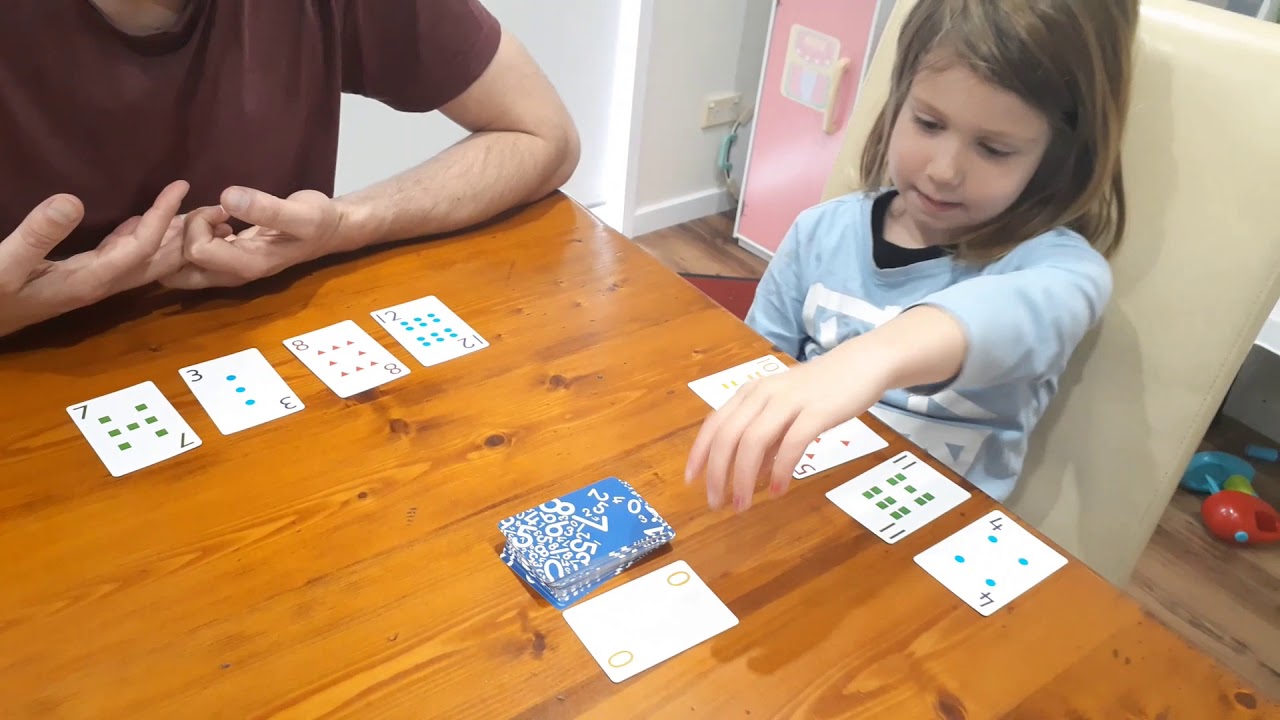
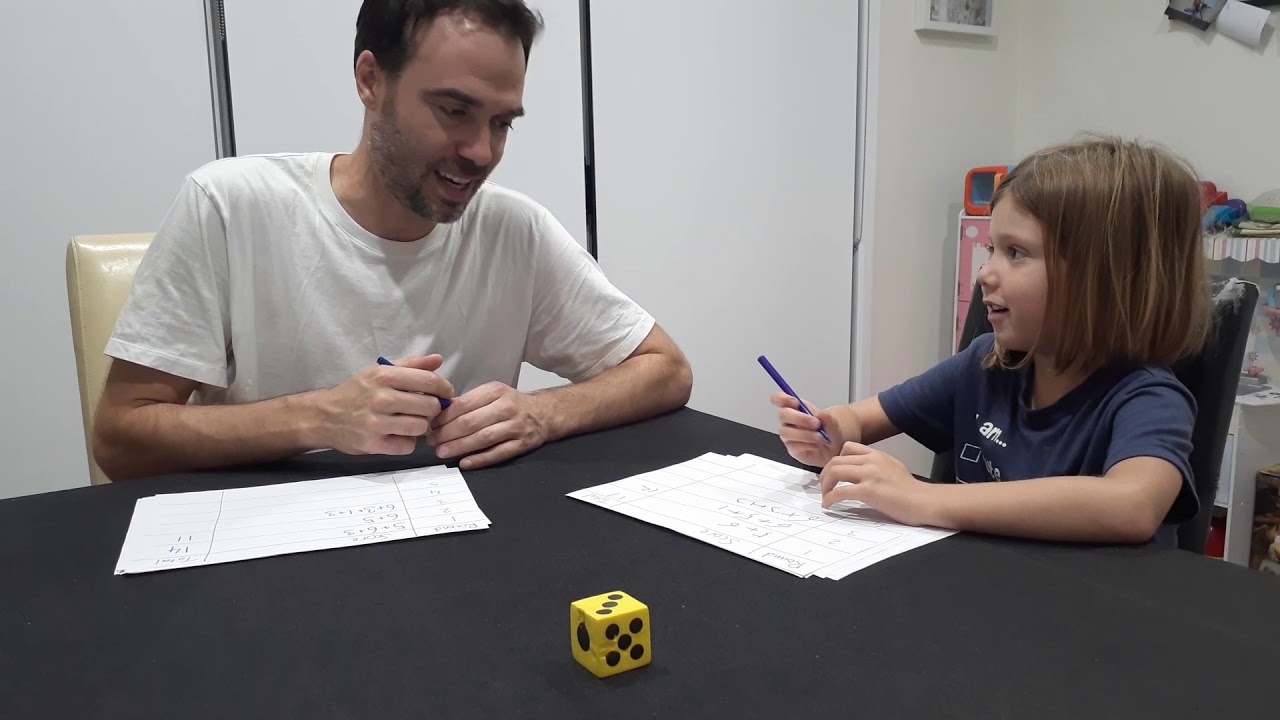
The interactions in these videos show adults asking open-ended questions and allowing time for their children to think and answer. The children are allowed to make mistakes, see the consequences, and enjoy learning from them. The questions are asked as discussion starters, not as challenges.

Start discussions with:

  • Explain why you chose that move or answer. Did you have other good choices?
  • Instead of guessing, is there a way to figure out a good move in this situation?
  • If your child is stumped, ask leading questions to remind them of a general tool they have for solving it.
  • Asked at the end of a round – Would you play the game differently next time?

Stage 1 is birth through being able to count to 5; Stage 2 is through being able to count to 10; Stage 3 is through being able to count to 20; Stage 4 is through being able to count to 100.

Stage 1 is birth through being able to count to 5

Stage 2 is through being able to count to 10

Stage 3 is through being able to count to 20

Stage 4 is through being able to count to 100

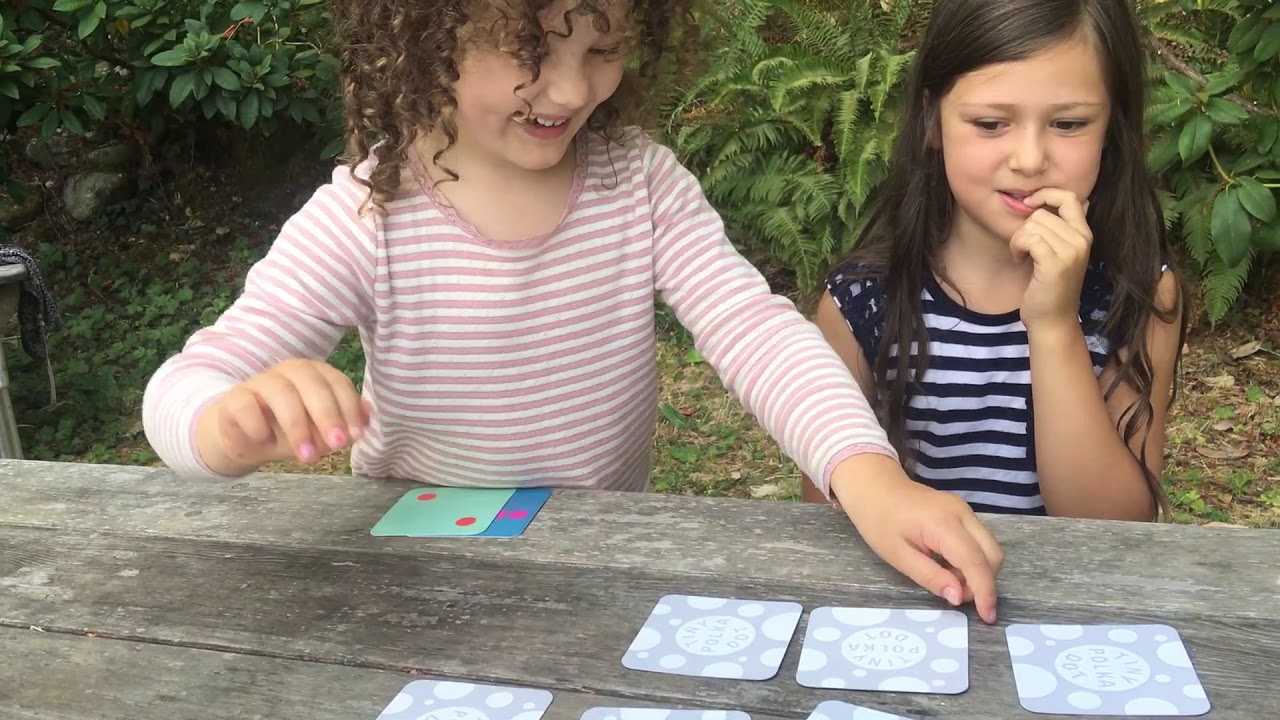
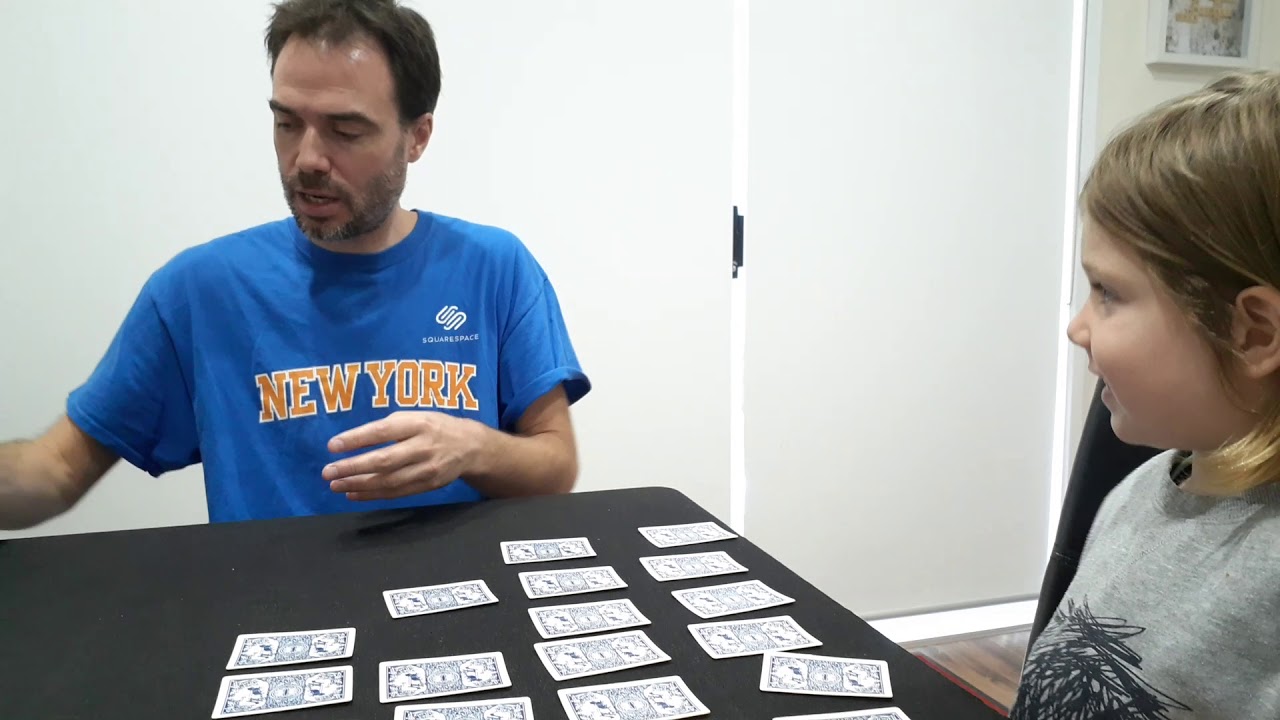
Memory Challenge
This is a matching game played with small numbers.
Go Fish
A matching game with small numbers and nearby numbers
War — Single-Digit Comparing
A small-number comparison game using cards
What’s Missing
An activity to practice number bonds and fact families
CodeBreaker
A logic game with small counting and matching
Sum Groups Puzzle
A number bond game — use smaller targets than 30 for chapter 3
Go Fish with Sums
The game of Go Fish changed slightly to practice number bonds.
Going Up
A game for practicing ordering small numbers
Pig
A probability game with single-digit adding built in
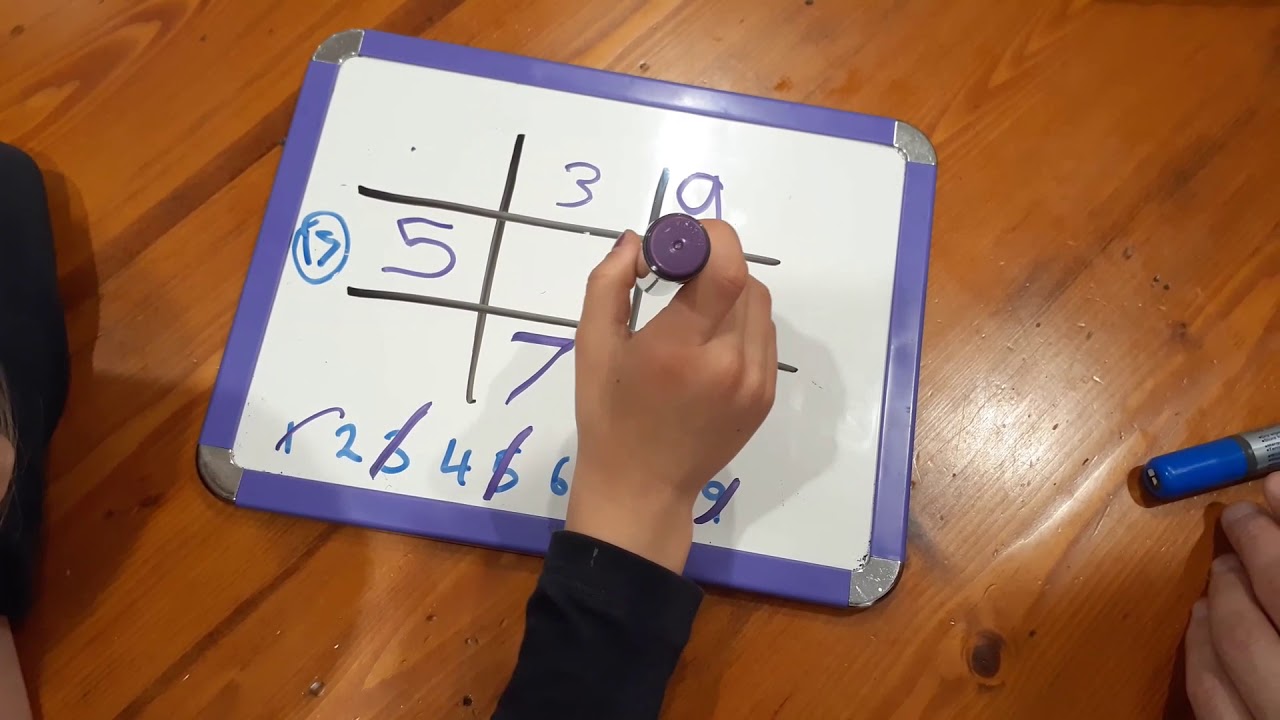
Math Tic Tac Toe
A game that practices adding numbers from 1 to 9
Memory Challenge Revisited
A memory game for practicing number bonds
Memory Challenge Revisited
A memory game for practicing number bonds

World Languages

All our videos are currently in English. If you have another language that you prefer, there is an easy solution that works for any video on YouTube! When you play the video, go to the lower right hand corner of the screen and click on the CC button to turn on Subtitles and Closed Captions. If the captions are not in the language you prefer, go to the Settings button next to the CC button, select Subtitles/Closed Captions, use the Auto Translate option, and select the language you want. That’s all there is to it!
Video Sources